Google gives every landscaping business in the country a free marketing tool that, when used correctly, drives more calls than most paid advertising campaigns.
Most landscaping businesses have never properly set it up.
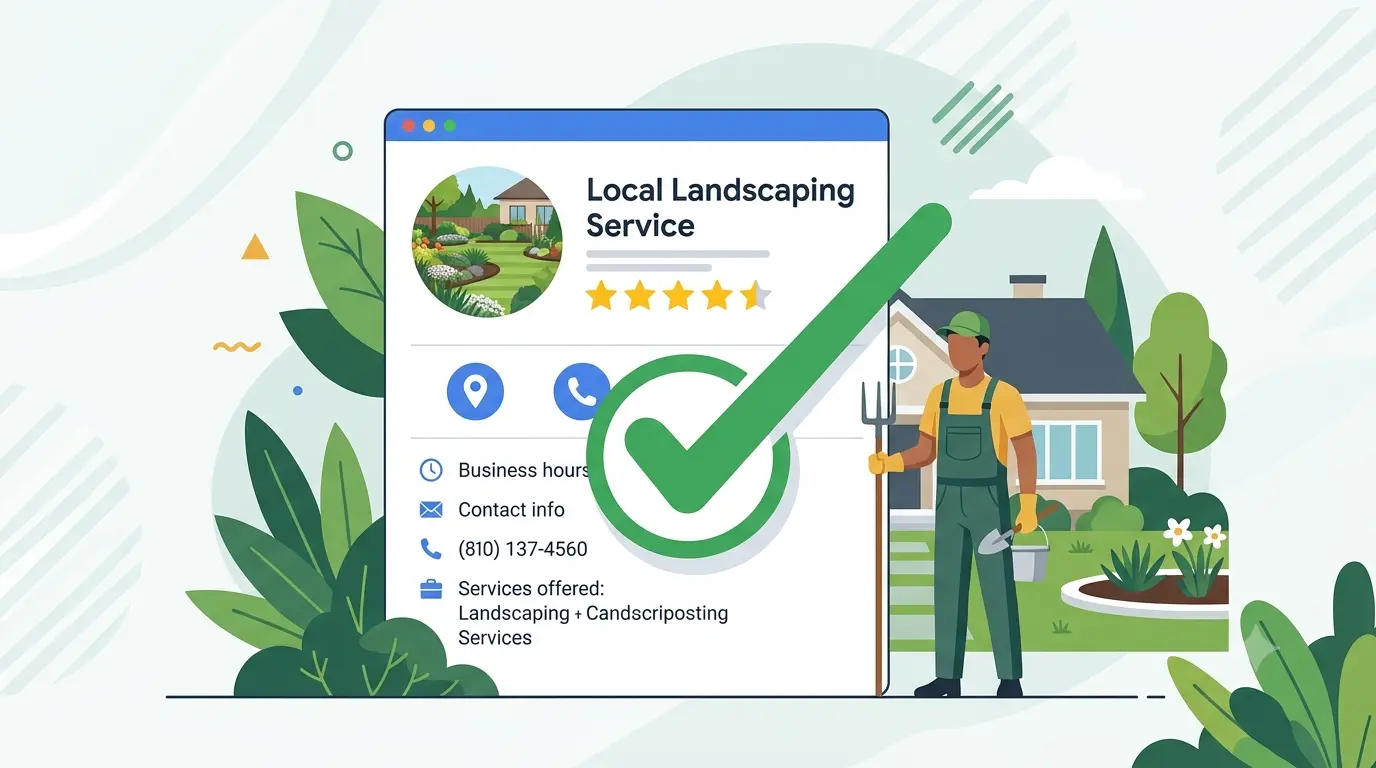
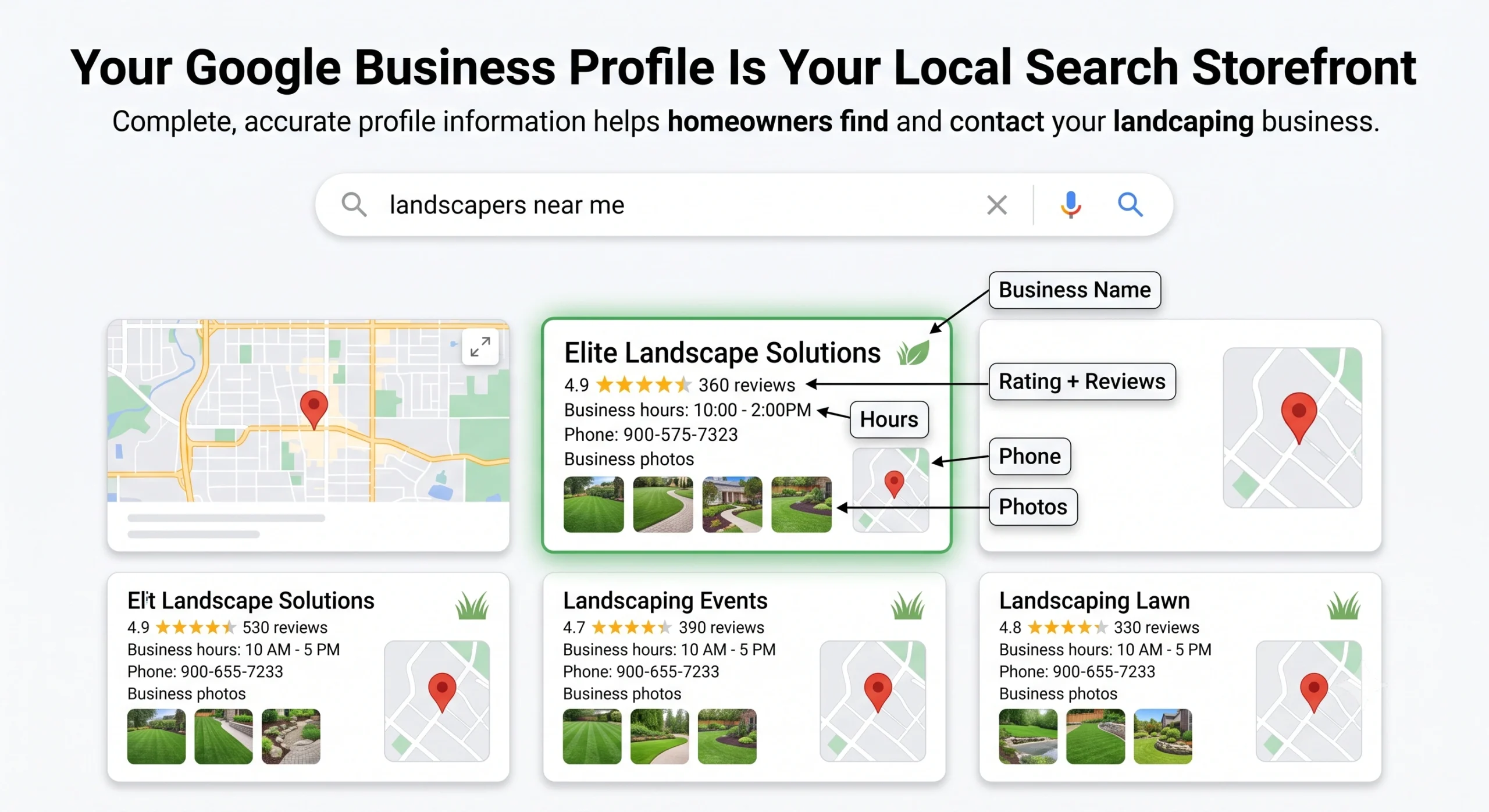
Google Business Profile (formerly Google My Business) is the listing that appears when a homeowner searches for a landscaper in their area. It shows your business name, phone number, reviews, photos, hours, and a link to your website. It is what populates the Local 3-Pack at the top of every local search results page.
It is also one of the most commonly misconfigured and neglected tools in local business marketing.
This post walks through every element of a Google Business Profile that landscaping businesses get wrong, what top-ranked profiles do instead, and exactly how to close the gap between where your profile is now and where it needs to be.
Why This Tool Matters More Than Your Website
Before getting into what most landscapers are doing wrong, it is worth understanding why this matters so much.
Google Business Profile signals account for 32% of local pack ranking weight, making it the single most important factor in whether your business appears in the Local 3-Pack.
42% of local conversions come from users who never visit the company website at all. They find the business through their GBP, read the reviews, get the phone number, and call directly.
90% of weekday business calls to local service companies come through Google Business Profiles.
That last number changes how you should think about this tool. Your Google Business Profile is not a supplemental listing. For a landscaping business, it is often the primary point of contact between your company and the homeowner who is ready to hire.
And yet most landscaping profiles are either incomplete, outdated, or actively suppressed by mistakes that are completely fixable.
Mistake 1: Choosing the Wrong Primary Category
This is the error with the highest ranking impact and the one most landscaping business owners have never thought about.
When you set up your Google Business Profile, you select a primary category that tells Google what type of business you are. For landscaping companies, there are multiple category options: Landscaper, Lawn Care Service, Landscape Designer, Landscape Architect, Garden Center, Irrigation System Contractor, and others.
The primary category you choose tells Google which searches to show your profile for. Choose incorrectly and you can be invisible for the searches that matter most.
The common mistakes:
- Selecting “Landscape Architect” when you do residential landscaping (this category targets commercial and design-heavy searches)
- Selecting only “Landscaper” when most of your revenue comes from lawn maintenance (where “Lawn Care Service” would be more precise)
- Picking a broad category and ignoring the secondary category fields entirely
Correct primary and secondary category selection produces 17% stronger local visibility. Adding relevant secondary categories adds another 15% visibility in related queries. — New Media, 2026
The fix is straightforward. Ask yourself: what is the one service that generates the most revenue for your business? That is your primary category. Then add secondary categories for every additional service you genuinely offer, such as irrigation, tree service, or landscape design.
One important warning: do not add categories for services you do not offer just to appear in more searches. Google cross-references your categories with your website content, your reviews, and your service list. Inconsistencies trigger quality reviews and can suppress your ranking.
Mistake 2: Leaving the Business Description Bare
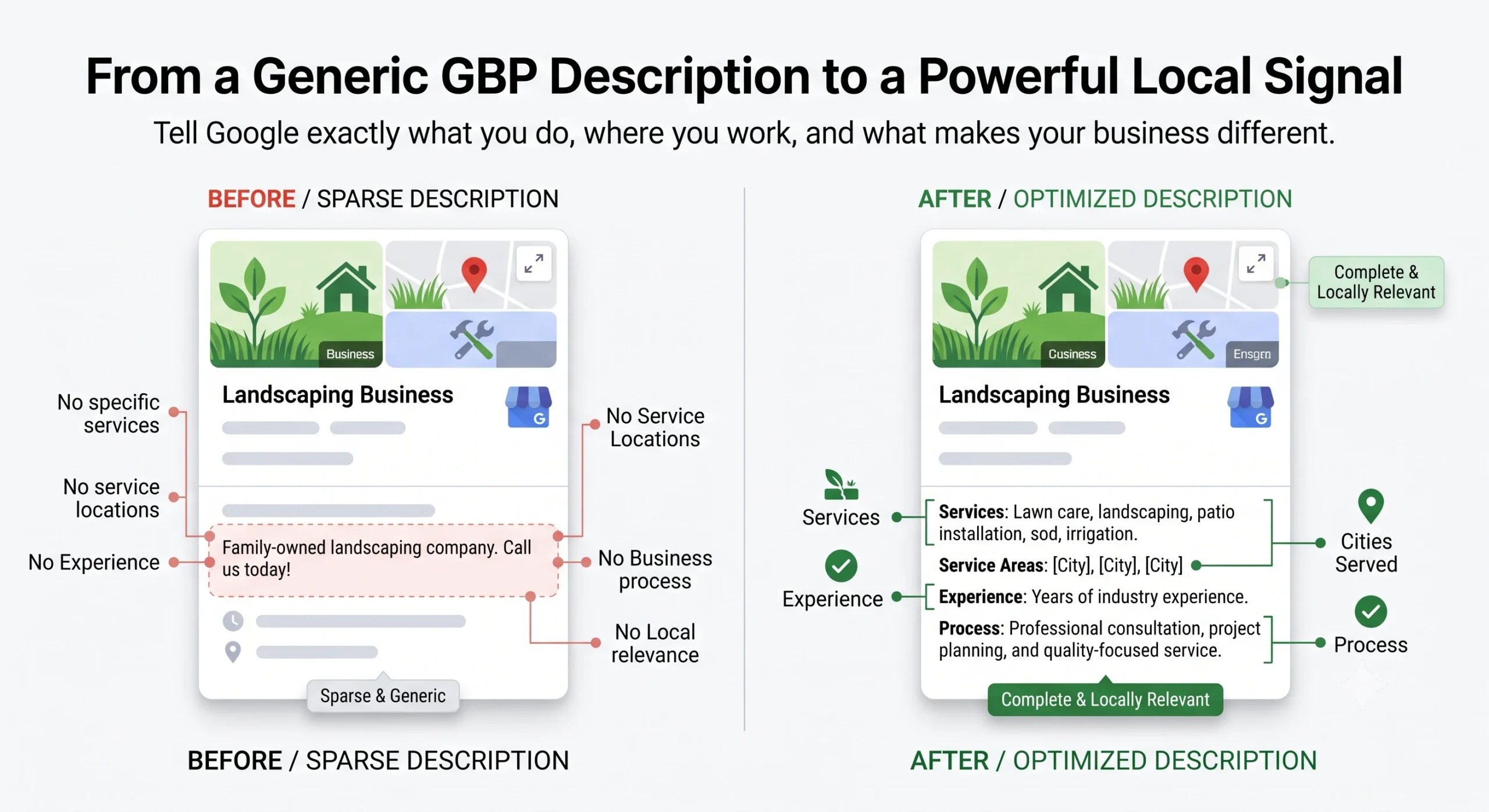
Your business description is one of the highest-impact fields on your profile. Most landscaping businesses either leave it blank or write two generic sentences about “quality service since [year].”
Profiles with a complete 750-character description receive 2.5x more impressions than profiles with no description. — BrightLocal
The business description does not directly appear in search results, but it signals to Google’s algorithm what your business does, where you do it, and what types of searches you are relevant for. It also shows up when homeowners click “More” on your profile, which they do when they are narrowing their decision.
What a strong landscaping description includes:
- Your primary services listed by name (lawn care, patio installation, sod, irrigation, etc.)
- The specific cities or service area you cover
- A sentence about your experience and what makes you different
- One sentence about your process or guarantee
- No promotional language like “the best” or “number one” (Google prohibits this)
Write to the full 750 characters. Use them all. Every sentence is a relevance signal.
Mistake 3: Neglecting Photos (and Not Knowing What Kind to Add)
This is the mistake with the most dramatic measurable impact on calls.
Profiles with 100 or more photos receive 520% more calls than profiles with fewer than 5 photos.
Adding new photos monthly increases interaction rates by 24% and discovery impressions by 27%.— New Media, 2026
Business Profiles with photos get 42% more direction requests than those without.
Most landscaping businesses upload a few project photos when they first set up the profile and never touch it again. That approach was adequate in 2018. In 2026, it is actively hurting your rankings.
Google’s algorithm interprets a regularly-updated profile as an active, legitimate business. A profile that was last updated 11 months ago signals the opposite. And top-ranked landscaping profiles in competitive markets average 250 photos.
What types of photos to upload and when:
- Before-and-after project photos (the most persuasive for conversions)
- Crew arriving at a job site (builds trust around the “who shows up” question)
- Equipment and branded vehicles
- Work-in-progress shots
- Finished projects tagged by neighborhood or city
- Team photos and headshots of crew leads
The cadence that works:
Upload 3 to 5 new photos every one to two weeks. Set a recurring reminder. Batch-photograph your work at the end of each completed project and use that content over the following weeks. This is not complicated. It is consistent.
Mistake 4: Treating Google Posts as Optional
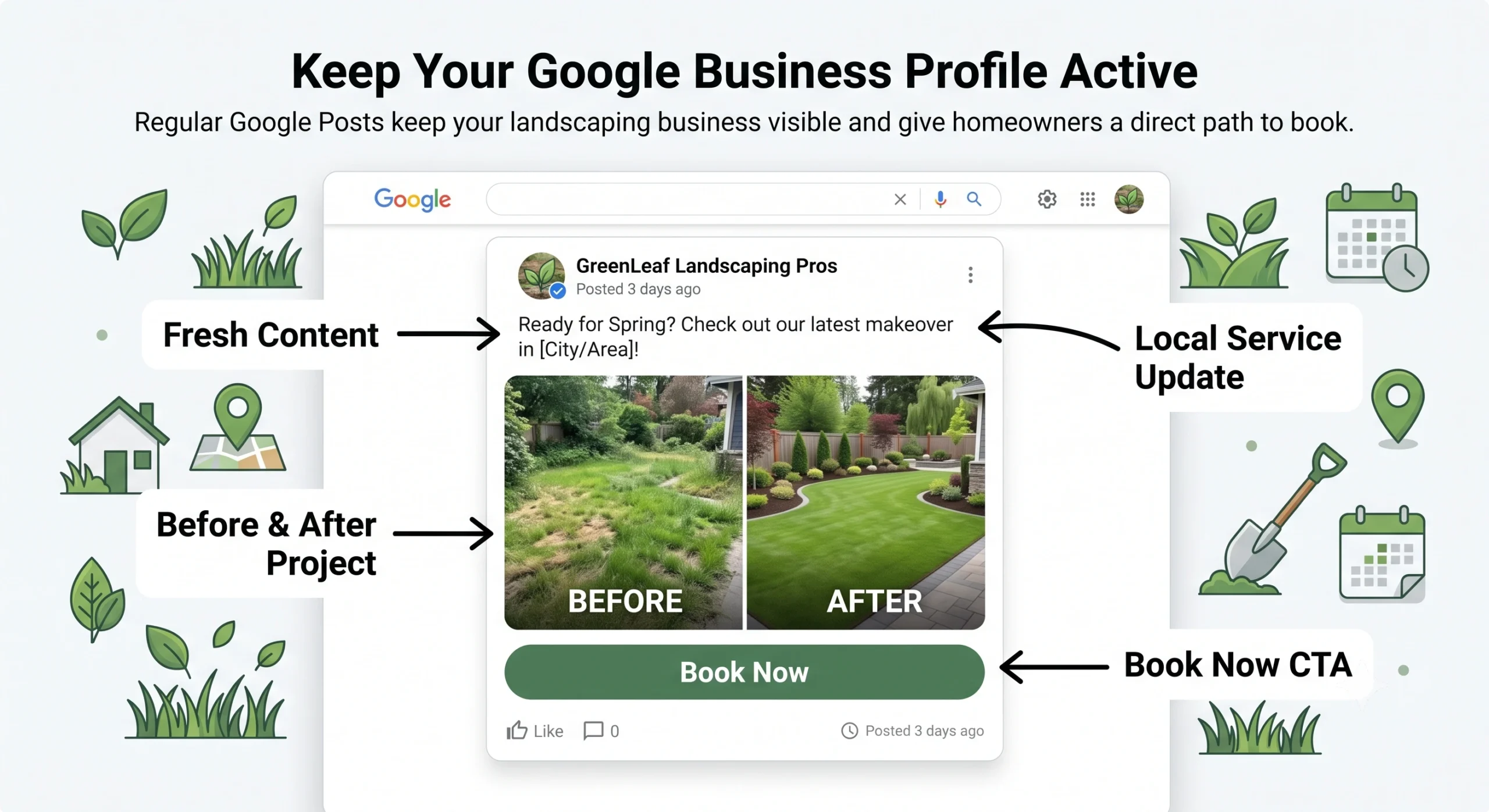
Google Posts are short updates you can publish directly to your profile. They appear in your listing when homeowners view your profile and in some map pack results. Most landscaping businesses have never posted one.
Posting twice per month increases branded engagement by 13% and branded search impressions by 12%.
Profiles that go 30 or more days without any updates see measurable impression declines. — AgencyJet, 2026
Posts are not just an engagement signal. They are a way to appear more prominently for searches that happen while your post is active. A Google Post promoting spring cleanup services, published in late February, can appear in searches during the peak of the spring hiring season.
What landscaping businesses should post:
- Seasonal service announcements (“Spring cleanup bookings are now open in [City]”)
- Before-and-after project highlights with a photo
- Limited-time offers for first-time customers
- Tips relevant to the season (when to aerate, how to prepare for frost)
- Certifications, awards, or press mentions
Posting frequency: once per week is the sweet spot. More than that is unnecessary. Less than twice per month and you lose the engagement lift.
Mistake 5: Not Managing Reviews Strategically
Review management is where the gap between top-ranked landscaping profiles and average ones is most visible.
The data is not subtle about what reviews do for rankings.
Top-ranked profiles in positions 1 to 3 average 250 reviews. The average local business has 39.
Businesses that respond to all their reviews generate 18% more revenue than those that do not. — Google / Wiser Review
97% of people who read reviews also read the business’s responses to those reviews.
45% of consumers say they are more likely to visit a business that responded thoughtfully to a negative review. — Reputation X, 2025
Most landscaping businesses treat reviews as something that happens to them, not something they actively build. They wait for customers to leave reviews organically, respond to some but not others, and never ask directly.
The landscaping companies ranking at the top of the map pack in your market treat reviews as a process.
The process that works:
- Send a review request text or email within 2 hours of job completion, when satisfaction is highest
- Include a direct link to your Google review page so leaving a review takes 30 seconds, not 3 minutes
- Train crew leads to verbally mention the review request before leaving the job site
- Target a consistent 5 to 10 new reviews per month rather than bursts followed by months of nothing
- Respond to every single review within 48 hours
What to say when responding to negative reviews:
Do not argue. Do not get defensive. Write three sentences: acknowledge the issue, apologize that the experience did not meet your standards, and invite them to contact you directly to resolve it. That response is not just for the person who left the review. It is for every homeowner who reads the exchange. A measured, professional response to a one-star review often generates more trust than a five-star review with no response.
Mistake 6: Ignoring the Q&A Section
The Q&A section of your Google Business Profile is one of the most overlooked features available to landscaping businesses.
Homeowners can ask questions directly on your profile and the public can answer them. If you are not monitoring this section, other people (including competitors) may answer your potential customers’ questions inaccurately.
Actively managing your Q&A section increases customer action rates by 12%. — New Media, 2026
The good news is that you can seed this section yourself. You do not have to wait for homeowners to ask questions. Log into your profile and add the most common questions you hear during sales calls, with accurate, detailed answers.
Questions worth adding for a landscaping business:
- “Are you licensed and insured?”
- “What cities do you serve?”
- “Do you offer free estimates?”
- “How long does a patio installation take?”
- “What happens if I need to reschedule?”
- “Do you offer any guarantees on your work?”
Each answer is additional content that Google reads when determining your relevance for specific search queries. It also answers homeowner objections before they ever pick up the phone, which increases the conversion rate of every profile view.
Mistake 7: Missing the Service List and Attributes
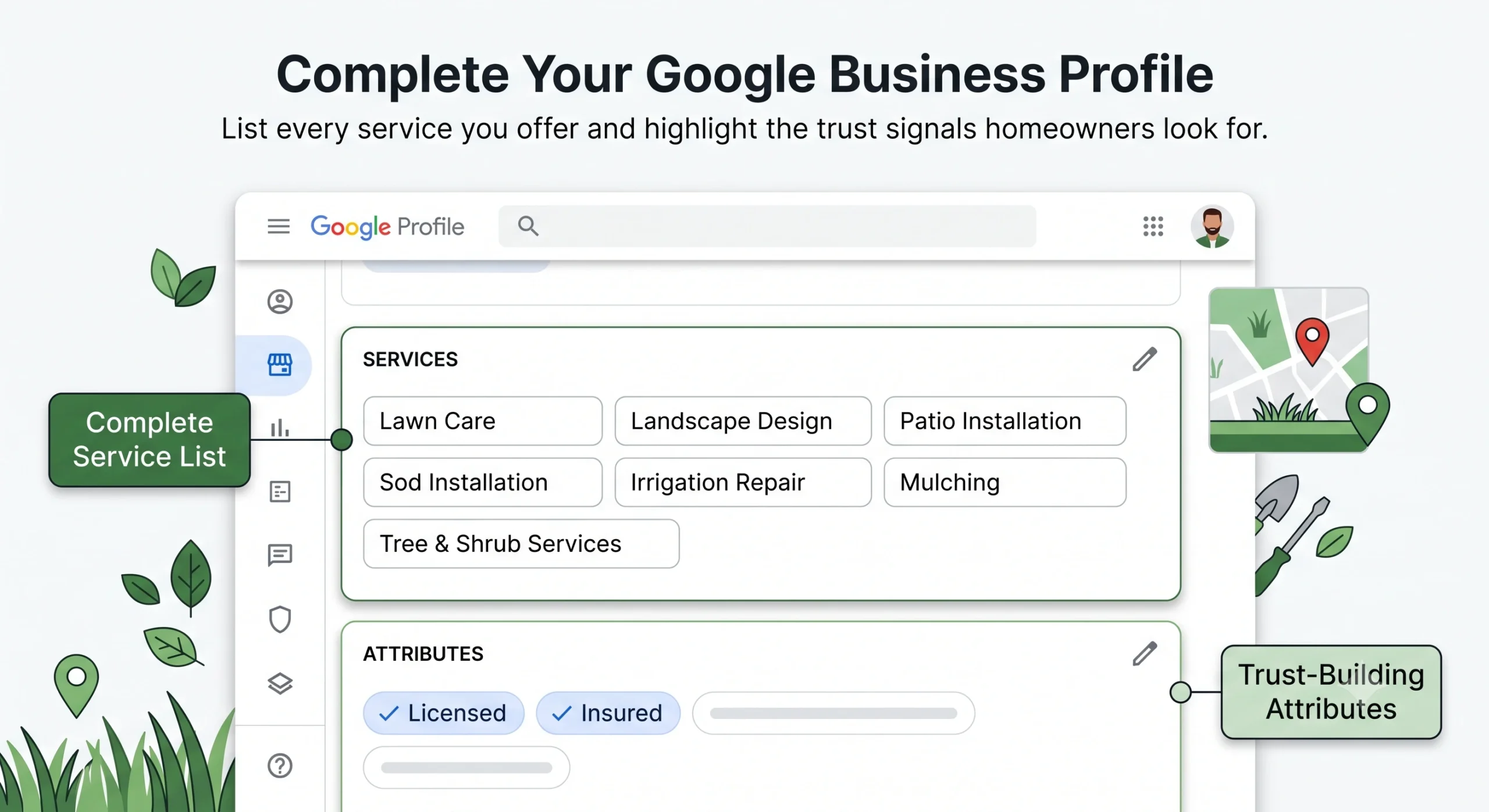
Inside your Google Business Profile, there are two sections most landscaping businesses skip entirely: the Services list and the Attributes section.
The Services section lets you list every specific service you offer, with descriptions. Adding sod installation, patio design, lawn care, mulching, irrigation repair, and any other services you provide helps Google match your profile to specific service searches within your area.
The Attributes section includes things like “woman-owned,” “veteran-owned,” “licensed,” “insured,” and other trust signals that homeowners filter for when searching.
Profiles with accurate attributes see 9% higher conversion rates than those without. — New Media, 2026
Adding a booking or appointment link to your profile increases conversion actions by 21%.
These are not significant individual lifts. But layered together, across a profile that is also doing everything else correctly, they compound into a measurable ranking and conversion advantage.
Mistake 8: Keyword Stuffing the Business Name
This one is worth addressing directly because it is tempting and it can get your profile suspended.
Some landscaping businesses list their business name on Google as something like “Premier Landscaping | Lawn Care | Patio Installation | [City]” in an attempt to rank for more keywords.
This violates Google’s guidelines. The business name field must reflect your actual legal business name and nothing else.
Keyword stuffing in the GBP business name is one of the most common causes of profile suspension in 2026. A suspended profile is completely invisible in local search until reinstated, which can take weeks. — BirdEye, 2026
If your competitors are doing this, do not copy them. It works until it does not, and when Google catches it, the business disappears from the map entirely.
Your business name should be exactly what it is on your signage, invoices, and business registration. Full stop.
What a Fully Optimized Profile Actually Produces
Here is what the data looks like when you put all of these elements together.
Complete, optimized Google Business Profiles receive 7x more clicks than incomplete profiles. — Google, 2026
Optimized profiles generate 5x more customer engagement than competitor profiles that are not optimized. — Dietz Group, 2026
Fully verified and complete profiles are 80% more likely to appear in local search results than incomplete ones. — DirectoryOne, 2026
The ranking timeline from optimization to measurable results is faster than most landscaping business owners expect. Review responses and photo additions start producing ranking signals within days. Full optimization typically produces measurable map pack ranking changes within four to eight weeks.
This is not a slow, uncertain process. It is one of the most predictable levers in all of local SEO for landscaping businesses.
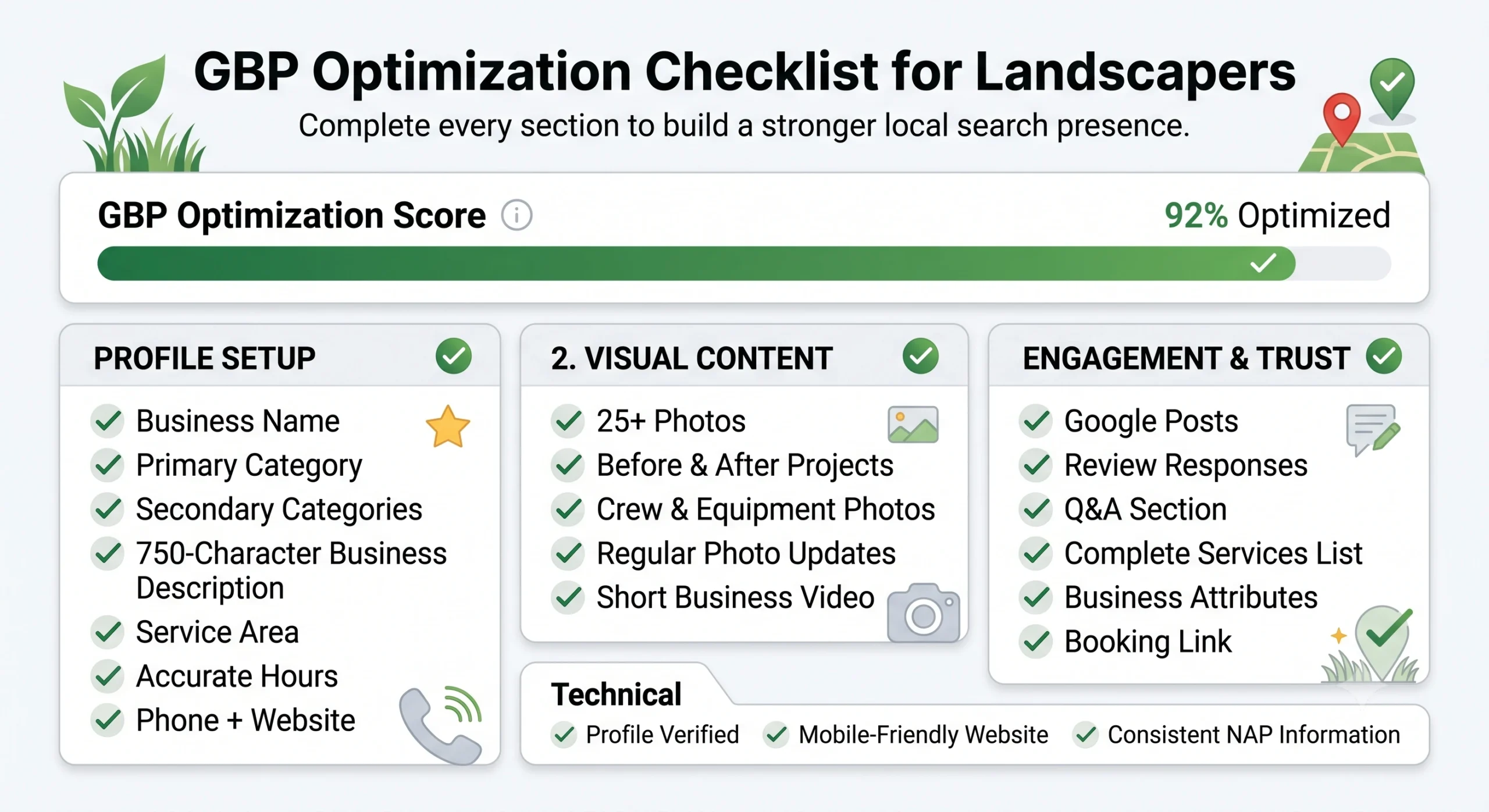
The GBP Optimization Checklist for Landscapers
Use this as your starting point. Go through your profile and check every item.
Profile Setup:
- Business name matches your legal name exactly (no keyword additions)
- Primary category matches your main service
- Secondary categories cover every real service you offer
- Business description uses all 750 characters and covers services, cities, and differentiators
- Service area lists every city you actively serve (up to 20)
- Hours are accurate and match your website
- Phone number and website URL are correct and consistent with all other listings
Visual Content:
- Minimum 25 photos uploaded (aim for 100+)
- Photos include before/afters, crew, vehicles, and completed projects
- New photos added every one to two weeks
- At least one short video if available
Engagement and Trust:
- Google Posts published at least twice per month
- Every review responded to within 48 hours
- Q&A section seeded with 5 to 10 common questions and answers
- Services list complete with descriptions for each service
- Relevant attributes enabled (licensed, insured, veteran-owned, etc.)
- Booking or appointment link added if you use an online scheduler
Technical:
- Profile verified through Google’s process
- Website URL links to a mobile-friendly, fast-loading site
- NAP (name, address, phone) matches exactly across all directories
The Connection Between Your GBP and Your Website
One thing most landscaping businesses miss: your Google Business Profile and your website should not operate as separate things.
Google cross-references both when determining your relevance for a search. If your profile says you offer patio installation in [City] but your website has no page about patio installation in [City], Google reads that inconsistency as a weaker relevance signal.
The strongest profiles link to a website that reinforces every claim the profile makes. City pages on your website that match the service areas in your profile. Service descriptions on your site that match the services listed in your profile. Photos on your site that match the work shown in your profile photos.
This is what a properly built local SEO strategy for landscaping businesses addresses from the start: your GBP and your website working as a single, coherent system, not two disconnected pieces.
The businesses dominating the Local 3-Pack in your market have not achieved that position through luck. They built both sides of this equation, consistently, over time. And the gap between their visibility and yours is the direct result.
Start With the Highest-Impact Changes
If you have read this far and want to start today, here is the order of operations.
Do these first because they produce the fastest ranking shifts:
- Fix your primary category if it is wrong
- Fill in your business description to 750 characters
- Add 20 photos this week, more the week after
- Respond to every review you have not yet responded to
- Seed your Q&A section with 5 common questions
Do these next because they produce compounding results over time:
- Set a weekly calendar reminder to post a Google Post
- Build a review request process into your job completion workflow
- Add services and attributes to every applicable field
- Add a booking link if you use scheduling software
If you want help auditing where your profile stands right now, identifying which of your competitors are outranking you and why, and building the complete system that closes that gap, see how our Google Business Profile optimization and local SEO program works for landscapers and get in touch for a free audit.